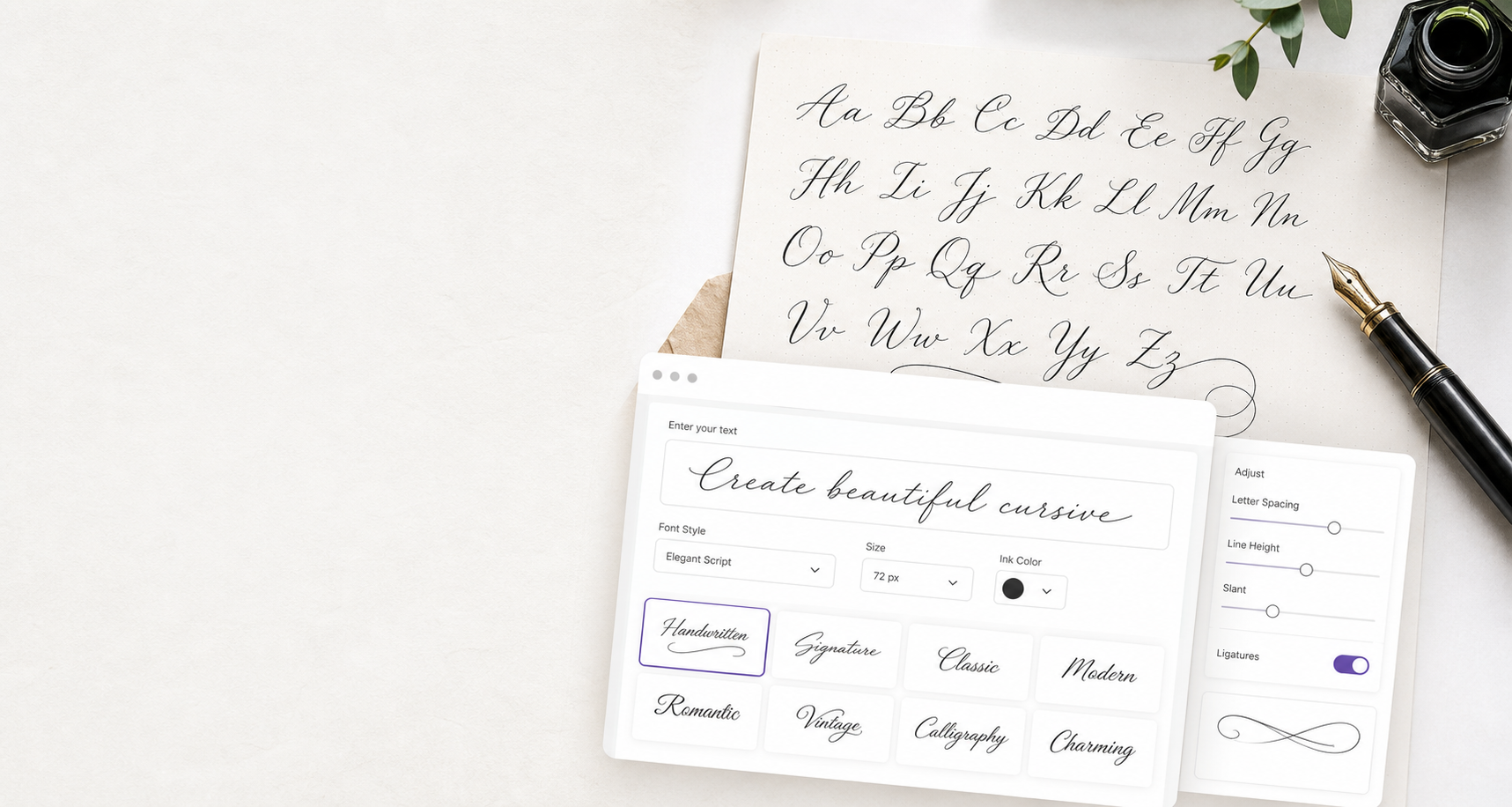
How a Cursive Text Generator Helps You Create Stylish Copy
Purpose of the Generator
A cursive text generator is made for people who want the look of handwritten script without opening a design app or installing a custom font. It converts normal letters into special Unicode characters that resemble cursive letters, script alphabets, and decorative typography.
Why Copyable Text Matters
Because the result is text rather than an image, you can usually copy and paste it into places where custom fonts are not available. That is why a cursive text generator is popular for social media bios, display names, captions, greeting messages, digital cards, short quotes, and profile decorations.
Quick Creative Workflow
If you are writing a short name, you can type it into the box, preview several styles, copy the version that looks best, and paste it into your chosen platform. The tool reduces the number of steps between having an idea and seeing a decorative version of that idea on screen.
Font Generator Difference
Many users also search for a cursive font generator when they mean the same thing. A real font depends on an app or website applying a typeface, while generated Unicode text can travel with the characters themselves.
Profile Bio Use
Generated cursive text works well in compact, expressive areas. A profile bio is a common example because one cursive line can make a name, phrase, or quote feel more personal without overwhelming the entire page.
Display Name Use
A display name is another good use case, especially when you want a softer or more artistic look. Short captions, comments, thank-you messages, wedding notes, birthday greetings, and digital invitations can also benefit from cursive letters.
Testing on Platforms
If you use cursive text in social media, test the final result before saving. Different apps and operating systems may render Unicode script characters with slightly different fallback fonts.
Choosing Clean Styles
Not every cursive style is right for every phrase. Thin script may look elegant for a name or quote, while bold cursive may work better for a display name that needs stronger visual weight.
Keeping Text Short
Short phrases usually produce the best results. A single word can look refined, a two-word phrase can feel like a title, and one short sentence can work as a decorative quote.
Real Font Comparison
A real cursive font is still the best option for professional branding, print design, consistent typography, and website design systems. Generated cursive text is different because it is designed for portability and speed.
Accessibility Considerations
Because this tool uses Unicode-style characters, the copied text may not always behave like ordinary text. Search, sorting, screen reader pronunciation, and editing can vary depending on the platform.
Page Layout Reasoning
This page is structured to match the intent behind the keyword cursive text generator. The tool is centered and prominent because conversion is the main purpose of the page.
Keyword Coverage
The guide includes related terms such as copy and paste cursive, Unicode script text, cursive letters, fancy text, and cursive font generator in natural context so search engines can understand the page without keyword stuffing.
How to Use It
To use the tool, type your message, select a style, compare the previews, and press copy. Paste the result into your social profile, caption, message, card, or draft.
Best Final Practice
If the text looks too ornate, try a cleaner option or shorten the phrase. A cursive text generator should make your words feel more personal and expressive, not harder to read.
Short Names
Short names are ideal for generated cursive text because the shape of each letter remains visible. A name in script style can feel softer, more personal, and more memorable than plain text.
One-Line Quotes
One-line quotes are another strong use case. Convert only the phrase that needs emphasis, then keep the rest of the caption or message in normal text for readability.
Greeting Cards
Greeting cards often use script lettering for emotion and warmth. A cursive text generator can help create a quick heading, signature, or decorative line for birthdays, weddings, and thank-you messages.
Social Captions
Social captions can feel more polished when one keyword or closing phrase is converted into cursive text. The result should support the caption, not distract from it.
Creative Usernames
Creative usernames can stand out with fancy script text, but some platforms restrict unusual characters. If the platform rejects the result, choose a simpler style or use cursive text only in the display name.
Document Headings
Document headings can use generated cursive text for informal drafts, personal notes, or decorative sections. For professional documents, test export and sharing compatibility before relying on Unicode script characters.
Font-Like Appearance
The output may look like a font, but it is not a downloaded font file. It is a set of special text characters that carry a font-like appearance across many modern systems.
Search Visibility
Terms like cursive text generator, cursive font generator, copy paste cursive, and fancy text generator help describe the same core user need: transforming normal writing into decorative script text.
User Intent
The layout puts the generator before the guide because most visitors want action first. They can create text immediately, then read the guide if they need help choosing a style.
Clean Final Output
The cleanest final output is usually short, readable, and tested in context. Generate several styles, copy the one that fits your tone, and avoid using decorative text for every sentence.
Editing Before Generating
Before using a cursive text generator, simplify the original phrase if needed. Shorter wording, fewer symbols, and clear capitalization often create prettier script text that is easier to read on small screens.
Daily Writing Uses
For daily writing, generated cursive text can add personality to greetings, bios, reminders, captions, and creative notes. It gives ordinary words a designed feeling while keeping the copy and paste workflow simple.
Final Compatibility Check
After copying your favorite style, paste it into the exact app or website where it will appear. This final check helps confirm that the cursive letters display cleanly for your audience.