Emoji wings, text butterflies and cursive script
Butterfly Font Generator
This butterfly font generator surrounds any name or phrase with butterflies: the 🦋 emoji on its own, the ʚ🦋ɞ winged frame, a 🦋 ⋆。˚ trail of sparkles, and the classic Ƹ̵̡Ӝ̵̨̄Ʒ text butterfly built from letters and accents. Pair any of them with cursive, bold cursive or plain letters, then copy the result as real Unicode text that keeps its wings in an Instagram bio, TikTok display name, Discord nickname or caption.
Butterfly Fonts Copy and Paste
Type once, scan the previews and press Copy beside the row you want. The 🦋 rows use the blue butterfly emoji, the ʚ🦋ɞ rows add small wing marks either side of it, and the Ƹ̵̡Ӝ̵̨̄Ʒ rows use a butterfly drawn entirely from letters and combining marks. All of it is plain text, which is why a butterfly font generator result pastes cleanly into bios, display names and comments where images and formatting are not allowed.
Popular Butterfly Font Styles
Three looks dominate. The single 🦋 frame around bold cursive (🦋 𝓕𝓵𝔂 𝓕𝓻𝓮𝓮 🦋) is the everyday bio style. The ʚ🦋ɞ wing frame is softer and reads as a whole set of wings rather than one insect, which suits coquette and soft-girl aesthetics. The Ƹ̵̡Ӝ̵̨̄Ʒ text butterfly is the oldest of the three, a MySpace-era classic that still shows up in usernames because it renders in monochrome anywhere text does. The 🦋 ⋆。˚ trail and sparkle rows are for captions that need a little movement.
Fly FreeInstagram bio headingMariposaTikTok display namenew chaptercaption for a fresh-start post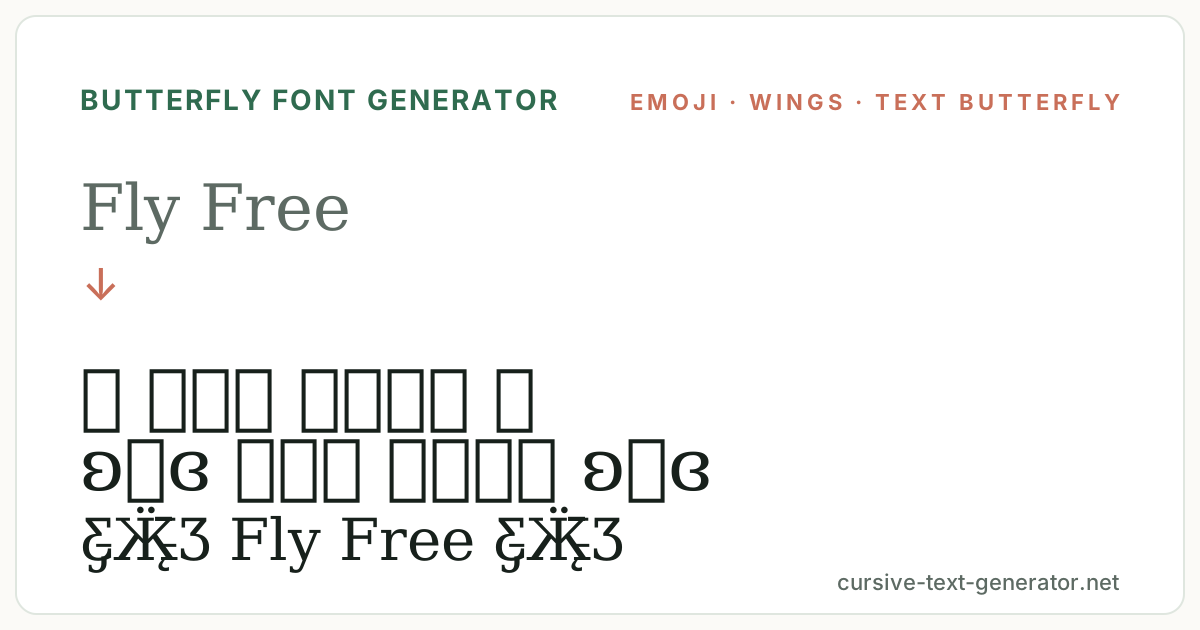
How to Use the Butterfly Font Generator
- 1. Type your textEnter a name, caption or short phrase. Short text works best in display names because the butterflies count toward the character limit.
- 2. Pick your wingsUse the chips to filter Butterflies, Cursive, Aesthetic or Cute rows, or scroll the full list. Each row pairs a frame with a lettering style.
- 3. Copy and pastePress Copy beside the result and paste it into your bio, display name, caption, comment or message.
Butterfly Fonts for Instagram, TikTok and Discord
Butterfly text belongs to the soft-aesthetic side of social media: Instagram bios and highlight covers, TikTok display names, Pinterest board titles, Discord nicknames on aesthetic servers, and captions for spring, travel and transformation posts. Display names and bios accept every preset on this page. Actual @usernames are stricter almost everywhere, so keep the handle plain and put the butterflies in the display name. One framed line at the top of a caption is a title; butterflies on every line lose their effect.
Good to know: the Ƹ̵̡Ӝ̵̨̄Ʒ butterfly is built from combining marks, and a few apps that strip accents will flatten it to plain letters.
Butterfly Font Generator vs Butterfly Symbols
A butterfly symbol page gives you the characters; a butterfly font generator gives you the whole line, lettering included, sized and spaced so the frame and the name read as one piece. This page also keeps the two kinds of butterfly separate on purpose: the 🦋 emoji is drawn in colour by each platform and looks slightly different on iPhone, Android and Windows, while the Ƹ̵̡Ӝ̵̨̄Ʒ version is monochrome text that looks the same everywhere. Choose emoji for colour and text butterflies for consistency.
The 🦋 butterfly was added in Emoji 3.0 (Unicode 9.0, 2016), so it renders on every current phone but not on some very old systems, which is when the text butterfly is the safer choice.
How the Text Butterfly Font Ƹ̵̡Ӝ̵̨̄Ʒ Is Built
The text butterfly is not one character. It is the letters Ʒ and Ӝ with several combining marks stacked on them: Ƹ (a reversed ezh) and Ʒ (ezh) form the two wings, Ӝ (a Cyrillic zhe with diaeresis) makes the body and antennae, and the small strokes above and through them come from combining marks that sit on the letters without taking up extra width. Because every piece is standard Unicode, the whole butterfly renders anywhere plain text does and needs no emoji font at all.
That construction is also its weakness. Apps that normalise text, strip diacritics or limit the number of combining marks per character will simplify it, so it may show as ƸӜƷ without the fine strokes. That still reads as a butterfly, just a plainer one. Usernames with strict character rules will reject it entirely, which is why the generator keeps a plain 🦋 row and cursive-only rows as fallbacks.
The butterfly font generator pairs each butterfly with lettering that suits it. Cursive script next to the text butterfly keeps the whole line in a monochrome, hand-drawn register; bold cursive next to the 🦋 emoji matches its weight and colour; sparkle and moon frames on the remaining rows give options for captions where a butterfly on both sides would be too much. Preview the exact name you plan to use, since wide frames plus a long name can exceed a display-name field.
Butterfly Font Examples
Paste any of these into the generator to compare emoji, winged and text-butterfly versions of the same words.
Fly FreeInstagram bio headingMariposaTikTok display namenew chaptercaption for a fresh-start postMore Butterfly and Cute Fonts
Butterfly Font FAQ
What is a butterfly font?
Online, a butterfly font means text decorated with butterfly symbols, such as 🦋 𝓝𝓪𝓶𝓮 🦋 or Ƹ̵̡Ӝ̵̨̄Ʒ Name Ƹ̵̡Ӝ̵̨̄Ʒ. It is Unicode text you can copy and paste, not an installed typeface.
Is this butterfly font generator free?
Yes. It runs in your browser, needs no account or download, and every result can be copied without limits.
How do I make the Ƹ̵̡Ӝ̵̨̄Ʒ butterfly?
You do not have to type it. Choose any Text Butterfly row on this page and copy it; the butterfly is built from the letters Ƹ Ӝ Ʒ plus combining marks.
Can I use butterfly text on Instagram?
Yes. Paste it into your bio, display name or a caption. Instagram shows both the 🦋 emoji and the text butterfly.
Why does the butterfly show as a box?
The device is missing the 🦋 emoji, which happens on systems older than 2016. Switch to a Text Butterfly row, which uses ordinary letters and renders everywhere.
Do butterflies work in usernames?
Rarely. Most platforms restrict @usernames to letters, numbers and underscores. Use the display name, nickname or bio field instead.