Tendrils, trailing leaves and climbing frames for names
Vine Font Generator
This vine font generator wraps any name or phrase in climbing greenery: the 🌿 herb emoji, the ❦ and ❧ floral-heart tendrils that render in monochrome anywhere, the ✾ rose vine, a ༄ 🌿 trailing-leaf frame and a 🌿 ✿ vine-and-bloom combo, each paired with cursive, bold cursive or italic letters. Everything it produces is Unicode text, so the vines keep climbing when you paste them into an Instagram bio, a wedding invitation, a TikTok display name or a Discord nickname.
Vine Fonts Copy and Paste
Type your text and every vine preset updates live. Press Copy beside the row you want and paste it into the destination. The 🌿 is an emoji, while ❦ ❧ ✾ ༄ and ✿ are ordinary Unicode symbols, so a vine font generator result keeps its tendrils in a bio, an invitation, a display name, a caption or a message without any font installed on the other end, and the cursive letters survive for the same reason.
Popular Vine Font Styles
Two families cover vine text. The tendril dingbats ❦ and ❧ (floral hearts, one upright and one rotated) are the classic printer's ornaments used on invitations and menus, and next to cursive script they read as engraved. The ✾ rose vine is a rounder blossom that suggests a climbing rose. The 🌿 herb emoji is the colour option and the everyday bio choice, and the ༄ 🌿 trailing frame adds a wisp of motion. The 🌿 ✿ combo and the 🌿 🍄 forest-floor row lean cottagecore.
Ivy Lanewedding invitation headingplant mom eraInstagram bioThe Greenhousebotanical shop display name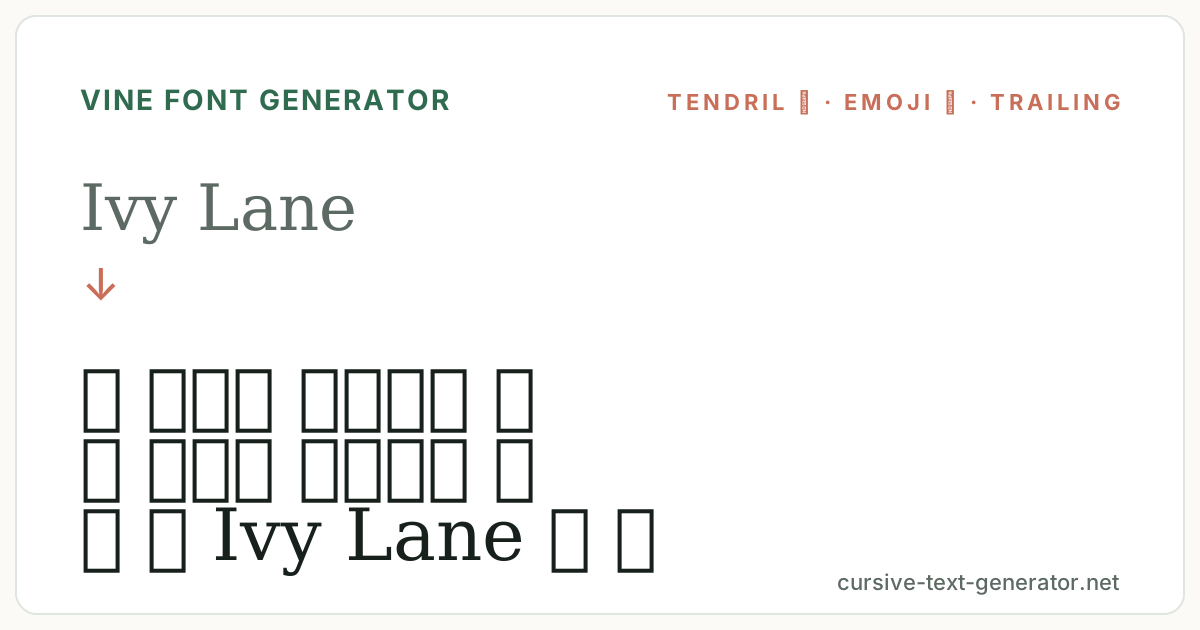
How to Use the Vine Font Generator
- 1. Type your textEnter a name, an invitation line, a caption or a short phrase. Tendril dingbats take one character each, so they fit tight display-name limits.
- 2. Choose your greeneryUse the chips to filter Vines, Cursive, Nature or Cute rows. Each row pairs a vine frame with a lettering style.
- 3. Copy and pastePress Copy beside a result and paste it into your bio, invitation, display name, caption or message.
Vine Fonts for Invitations and Instagram
Vine text has an older audience than most symbol frames. The ❦ ❧ tendrils are wedding and event material: digital invitations, save-the-date captions, menu headers and place-card text in Canva or a messaging app. On Instagram and TikTok the 🌿 rows decorate plant, garden, botanical and cottagecore bios and display names, and Pinterest boards for greenery. Display names and bios accept every row on this page. Actual @usernames are stricter almost everywhere, so keep the handle plain and put the vines in the display name.
Good to know: the 🌿 emoji is drawn differently on iPhone, Android and Windows, while the ❦ ❧ ✾ dingbats look the same everywhere.
Vine Font Generator vs Leaf Fonts
Vine, leaf and flower frames overlap and this site has a page for each. A vine font generator commits to climbing and trailing shapes: tendrils, wisps and a stem with a bloom. Leaf text uses single leaves (🍃 🍂 🍁) and reads seasonal; flower text uses blossoms and reads floral. If the name should look engraved or grown-over, start here; for autumn or a single sprig, the leaf page is closer.
The ❦ and ❧ tendrils are the Floral Heart and Rotated Floral Heart Bullet from the Dingbats block of the Unicode Standard, printer's ornaments that render as plain text on every device.
Vine Font Tendrils as Printer's Ornaments
The ❦ (U+2766) and ❧ (U+2767) are hedera, the ivy-leaf ornaments printers have used since Roman inscriptions to mark breaks in text. Unicode kept them as dingbats, so a vine font generator can place a genuine typographic vine beside a name in any app. Because they are monochrome and one character wide, they suit the places emoji cannot go: engraved-style invitations, plain-text email signatures, forum signatures and game name fields.
The 🌿 herb emoji is the colour option and reads as fresh greenery rather than an ornament. It is drawn by each platform, so the leaf shape differs between iOS, Android and Windows, and it counts as two characters in some length limits. The ༄ wisp in the trailing frame is a Tibetan mark used for its curling shape, and the ✾ rose vine is a six-petal dingbat that suggests a climbing bloom.
Lettering follows the ornament. Cursive script beside ❦ ❧ is the invitation pairing and looks engraved. Bold cursive stands up to the colour of the 🌿 in a display name. Italic with a ✿ drifts toward cottagecore, and the 🌿 🍄 forest-floor row is for mushroom and woodland accounts. Preview the exact name you plan to use; the trailing frames are wide, and a single ❦ carries the vine idea in one character if a field is short.
Vine Font Examples
Paste any of these into the generator to compare tendril, rose-vine and emoji frames on the same words.
Ivy Lanewedding invitation headingplant mom eraInstagram bioThe Greenhousebotanical shop display nameMore Vine and Nature Fonts
Vine Font FAQ
What is a vine font?
Online, a vine font means text decorated with vine or tendril symbols, such as ❦ 𝒩𝒶𝓂𝑒 ❦ or 🌿 Name 🌿. It is Unicode text you can copy and paste, not an installed typeface.
Is this vine font generator free?
Yes. It runs in your browser, needs no account or download, and every result can be copied without limits.
What are the ❦ and ❧ symbols?
They are hedera, ivy-leaf ornaments from traditional printing, kept in Unicode as the Floral Heart dingbats. They render as plain text in every font.
Can I use vine text on a wedding invitation?
Yes. Copy a ❦ row and paste it into a digital invitation, a Canva text box or a message. The tendrils are monochrome text and print cleanly.
Why does the vine emoji look different on my friend's phone?
Emoji are drawn by each platform, so the 🌿 on iOS, Android and Windows are different illustrations. The ❦ ❧ ✾ dingbats look the same everywhere.
Do vines work in usernames?
Rarely. Most platforms restrict @usernames to letters, numbers and underscores. Use the display name, nickname or bio field instead.