Small white daisies and chains for soft, kawaii names
Daisy Font Generator
This daisy font generator wraps any name or caption in daisies: the 🌼 emoji, the ❁ and ⚘ text daisies that render in monochrome anywhere, and a 🌼 ˚ daisy chain with a trailing dot, each paired with cursive, bold cursive, kawaii or plain letters. Everything it produces is Unicode text, so the daisies stay attached when you paste them into an Instagram bio, a TikTok display name, a Pinterest board or a Discord nickname.
Daisy Fonts Copy and Paste
Type your text and every daisy preset updates live. Press Copy beside the row you want and paste it into the destination. The 🌼 is an emoji, while ❁ ⚘ ❀ and the ꒰꒱ ⑅ marks are ordinary Unicode symbols, so a daisy font generator result keeps its flowers in a bio, display name, caption or message without any font installed on the other end, and the cursive or kawaii letters survive for the same reason.
Popular Daisy Font Styles
The 🌼 around cursive script (🌼 𝒟𝒶𝒾𝓈𝓎 𝒞𝒽𝒶𝒾𝓃 🌼) is the everyday daisy style, small and bright. The ❁ text daisy is the monochrome version, an eight-petal flower from the Dingbats block that renders in every font and suits places that reject emoji. The ⚘ sprig adds a stem and reads as a pressed flower. The 🌼 ˚ daisy chain trails a dot like a loose petal. The ꒰ ꒱ curl, ⑅ petal wrap and circled rows give the kawaii variations that daisy accounts already use.
Daisy ChainInstagram bio headingfresh as a daisyTikTok captionDaisy & Fern Floralssmall business name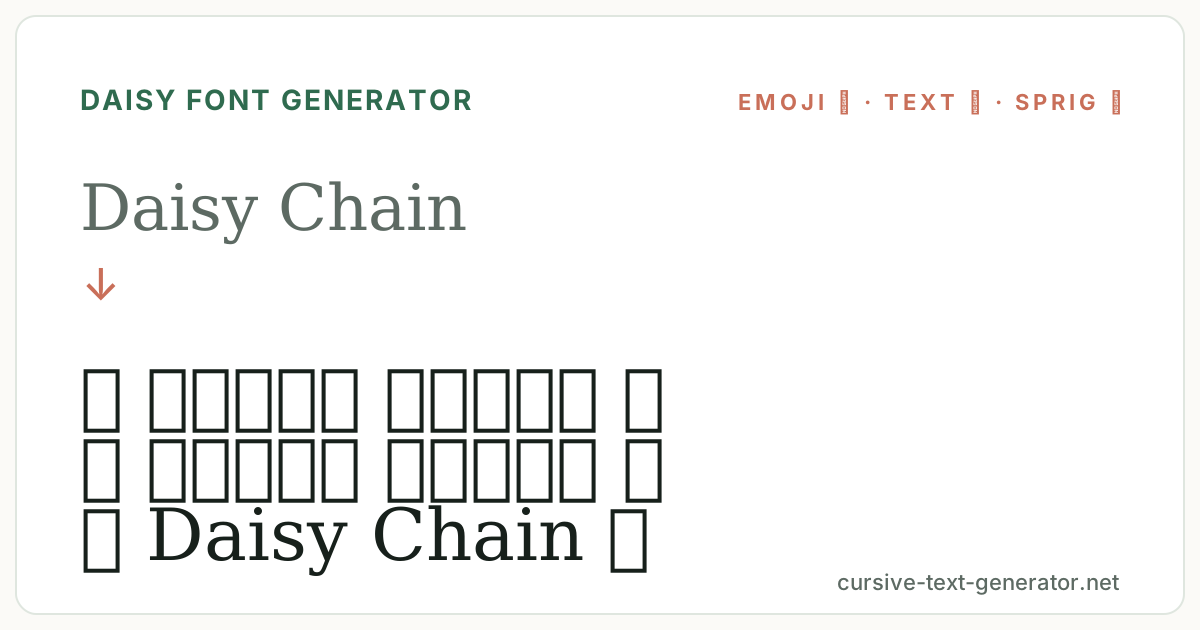
How to Use the Daisy Font Generator
- 1. Type your textEnter a name, caption or short phrase. Daisies are small, so even the chain frames fit most display-name limits.
- 2. Pick your daisiesUse the chips to filter Daisies, Cursive, Blossoms or Cute rows. Each row pairs a daisy frame with a lettering style.
- 3. Copy and pastePress Copy beside a result and paste it into your bio, display name, caption or message.
Daisy Fonts for Instagram, TikTok and Pinterest
Daisy text belongs to the soft, kawaii and cottagecore side of social media: Instagram bios and highlight covers, TikTok display names, Pinterest boards for spring and picnics, Tumblr headers, Discord nicknames on aesthetic servers, and captions for garden, spring and self-care posts. Display names and bios accept every row on this page. Actual @usernames are stricter almost everywhere, so keep the handle plain and put the daisies in the display name.
Good to know: the 🌼 emoji is drawn differently on iPhone, Android and Windows, while the ❁ ⚘ text daisies look the same everywhere.
Daisy Font Generator vs Sunflower and Flower Text
Daisy, sunflower and general flower frames sit side by side and this site has a page for each. A daisy font generator is the small, white and kawaii option, and it is the only one with monochrome text daisies (❁ ⚘) for places that reject emoji. Sunflower text is bigger, warmer and more rustic, and the flower page mixes every blossom. Choose by mood and size; a daisy suits a subtitle or a short display name where a sunflower would dominate.
The ❁ text daisy is the Eight Petalled Outlined Black Florette from the Dingbats block of the Unicode Standard, which is why it renders as plain text on every device.
Text Daisies vs the Emoji Daisy Font
The daisy is the one flower with good monochrome text options, and a daisy font generator can use them where emoji fail. The ❁ florette (U+2741) has eight outlined petals around a dark centre and reads as a daisy at small sizes; the ⚘ flower (U+2698) is a single bloom on a stem and reads as a sprig. Both come from blocks that ship in every system font, so they render in game name fields, older forums and anywhere else that shows a 🌼 as a box.
The 🌼 blossom emoji is the colour option. It is yellow and white on every platform but drawn slightly differently on iOS, Android and Windows, and it counts as two characters in some length limits. In a display name it pops; in a subtitle or a caption the text daisies are often the better fit because they inherit the text colour and stay small.
Lettering follows the frame. Cursive script keeps the daisy delicate; bold cursive stands up to the emoji in a display name; circled letters with a ꒰ ꒱ curl or ⑅ petal wrap give the kawaii sticker look; italic with a ✿ drifts toward cottagecore. Preview the exact name you plan to use, and if you are pasting into a place with strict rules, start with a ❁ row.
Daisy Font Examples
Paste any of these into the generator to compare the emoji daisy, the text daisies and the chain on the same words.
Daisy ChainInstagram bio headingfresh as a daisyTikTok captionDaisy & Fern Floralssmall business nameMore Daisy and Flower Fonts
Daisy Font FAQ
What is a daisy font?
Online, a daisy font means text decorated with daisy symbols or the 🌼 emoji, such as 🌼 𝒩𝒶𝓂𝑒 🌼 or ❁ Name ❁. It is Unicode text you can copy and paste, not an installed typeface.
Is this daisy font generator free?
Yes. It runs in your browser, needs no account or download, and every result can be copied without limits.
Is there a text-only daisy symbol?
Yes. The ❁ florette and the ⚘ flower sprig are monochrome Unicode characters that read as daisies and render in every font. Both are on this page.
Can I use daisy text on TikTok?
Yes. Paste it into your display name, bio or caption. TikTok shows both the 🌼 emoji and the text daisies.
Why does the daisy look different on my friend's phone?
Emoji are drawn by each platform, so the 🌼 on iOS, Android and Windows are different illustrations. The ❁ and ⚘ text daisies look the same everywhere.
Do daisies work in usernames?
Rarely. Most platforms restrict @usernames to letters, numbers and underscores. Use the display name, nickname or bio field instead.