How to Add Cursive Text to Your Instagram Bio
Why Instagram Bios Use Cursive Text
Instagram does not offer a built-in font selector. Every account by default displays the same standard typeface. Cursive text — created using Unicode script characters — is one of the few ways to make your bio, display name, or captions look visually distinct from every other account. Because the characters are standard Unicode text rather than images, they paste directly into Instagram's text fields and display on all modern iOS and Android devices.
Step 1: Generate Your Cursive Text
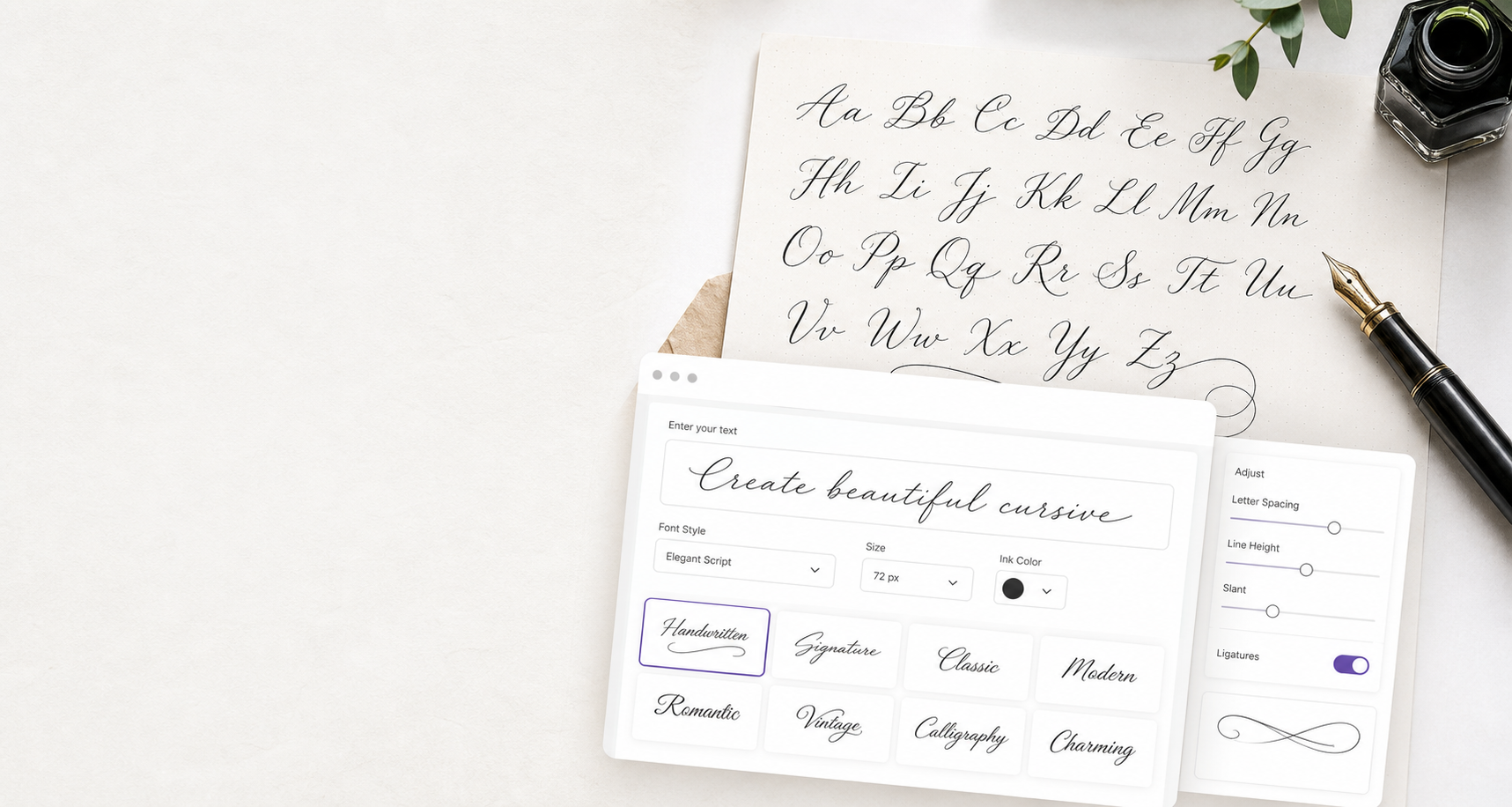
Type your Instagram bio, name, or caption text into the generator above. Keep it short — a name, tagline, or one-line phrase works best in cursive. Longer bios mix cursive and plain text: use cursive for your name or one key line and leave the rest in normal text for readability.
Step 2: Choose the Right Style
Bold Cursive (𝓗𝓮𝓵𝓵𝓸) is recommended for Instagram. Its thicker strokes remain legible on small mobile screens. Cursive Script (𝒽𝑒𝓁𝓁ℴ) is more delicate and elegant — beautiful for aesthetic bios but harder to read at small sizes. Old Style Script (𝔥𝔢𝔩𝔩𝔬) has a distinctive gothic character good for alternative, dark, or artistic profiles. Use the generator to compare all styles before deciding.
Step 3: Copy and Paste into Instagram
Once you've chosen a style, click the 1-Click Copy button. Open Instagram on your phone or desktop, go to Edit Profile, and tap into the Name or Bio field. Long-press to paste (on mobile) or use Ctrl+V / Cmd+V (on desktop). You will see your cursive text appear immediately in the field. Review how it looks before tapping Save.
Using Cursive Text in Instagram Captions
You can also use cursive text in Instagram captions and comments. Generate the cursive phrase you want to highlight, copy it, and type your full caption — then paste the cursive word or phrase in the appropriate spot. Using cursive for just one line or key word in a caption creates visual variety that draws the eye without making the caption difficult to read.
Instagram Display Name in Cursive
Your Instagram display name (the bold name at the top of your profile) appears in search results and follower lists. Changing it to a cursive name can make your profile more recognisable and personal. Use our cursive name generator to quickly see your name in every style, then copy the one you want for your Instagram display name.
Cursive Text for Instagram Stories
Instagram Stories has its own text tool with built-in font options, so you don't need to use Unicode cursive for stories text. However, if you add a link in bio or share your bio in a story, the cursive bio text will show correctly. You can also paste cursive text into story text overlays — though Instagram's native story font tool gives more design flexibility for stories specifically.
Instagram Bio Font Character Limits
Instagram bios have a 150-character limit, and Unicode script characters each count as one character. So a cursive bio will use the same character count as a standard bio. Display names (the Name field) have a 30-character limit — plan your cursive name accordingly.
Which Platforms Support Cursive Text Besides Instagram?
The same Unicode cursive text that works on Instagram also works on TikTok, Discord, Twitter/X, Facebook, YouTube, WhatsApp, and most modern messaging apps. Generate your cursive text once and reuse it across all your social platforms. For TikTok-specific usage, the same Bold Cursive style recommended for Instagram works well there too.
Cursive Text vs Instagram Font Apps
Several third-party apps claim to offer Instagram fonts. These often work the same way as this generator — using Unicode characters — but may require app installation, accounts, or subscriptions. This free cursive text generator requires nothing: no download, no login, and it works directly in your browser on any device.
Instagram Cursive Text FAQ
How do I get cursive text on Instagram?
Instagram has no built-in cursive font option. Generate cursive text here, copy it, and paste it into Instagram's bio, name, or caption field. It works because the characters are Unicode text, not images.
What is the best cursive font for Instagram?
Bold Cursive (𝓗𝓮𝓵𝓵𝓸) is the most recommended style for Instagram. Its thick strokes remain clear on mobile screens. Select Bold Cursive in the style dropdown above for the best result.
Does cursive text work in Instagram captions?
Yes. Paste your generated cursive text directly into Instagram's caption field when creating a post. Use it for a single word or phrase rather than the entire caption for best readability.
Does cursive text count against Instagram's character limit?
Yes. Each Unicode cursive character counts as one character in Instagram's limit. The bio limit is 150 characters and the name limit is 30 characters.
Why does my Instagram bio look different on my friend's phone?
Unicode script characters rely on system fonts, which vary slightly between iOS and Android. The cursive appearance is preserved on all modern devices, but exact stroke weight and spacing may differ slightly.