Copy-and-paste fonts for your Instagram bio, display name and captions
Instagram Font Generator
Instagram has no font menu, but it accepts Unicode text everywhere. This Instagram font generator turns your name or bio line into cursive, bold, small caps, cute and aesthetic styles you can paste directly into your profile name, bio, captions, comments and Stories text. Type once, compare every style, copy the one you like.
Instagram Fonts Copy and Paste
Every style above is Unicode text, which is exactly what Instagram stores when you type into the app. That is why pasted 𝓬𝓾𝓻𝓼𝓲𝓿𝓮 or 𝗯𝗼𝗹𝗱 text stays styled in your bio while a screenshot or a CSS font never could. Copy from here, open Instagram, edit your profile or caption, and paste — no third-party keyboard and no permissions required.
Popular Instagram Font Styles
Bold cursive is the most popular Instagram name font because it looks like a signature. Sans bold is the go-to for a bio heading or a “link in bio” line. Small caps give a clean, understated second line under the name. Light script with a small flower or heart suits lifestyle and beauty accounts, and the ✨ and »• •« frames are the classic Instagram bio decorations you see on creator profiles.
Sofia MarieDisplay namelink in bioBio call to actionweekend recapCaption heading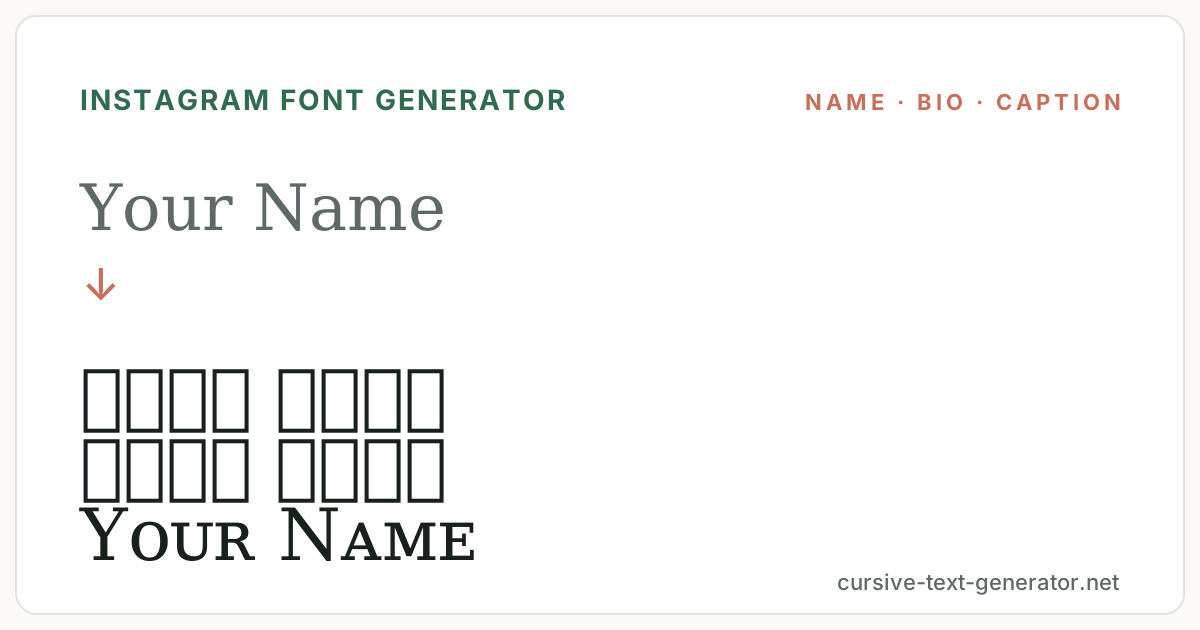
How to Use the Instagram Font Generator
- 1. Type your textEnter your name, a bio line or a caption heading. Keep bio lines short — Instagram wraps at about 30 characters on mobile.
- 2. Choose a styleFilter by Cursive, Bold, Cute, Hearts or Bio Frames and compare the results.
- 3. Copy and paste into InstagramPress Copy, open Instagram, go to Edit Profile or your caption, and paste.
Where Instagram Fonts Work: Name, Bio, Captions, Stories
Unicode fonts work in your Instagram display name, bio, captions, comments, Story text, Reels captions, Notes and highlight titles. They do not work in your @username, which Instagram limits to letters, numbers, periods and underscores. The display name field is the place to be expressive; the bio is where a styled heading and a plain-text link work together.
Good to know: Instagram counts some styled characters as two or more toward the 150-character bio limit, and searchability of your name depends on the plain-text version.
Instagram Username vs Display Name: What Accepts Fonts
Your @username is an identifier and only accepts a–z, 0–9, periods and underscores — no Unicode fonts. Your display name, the bold line at the top of your profile, accepts any Unicode text up to 30 characters and is where styled fonts belong. The bio (150 characters) also accepts fonts, but keep at least one plain-text version of your name or niche so people can still find you through search.
Instagram Bio Font Ideas
The layout most creators use is a styled name, a small-caps or plain descriptor, then a call to action. For example a bold cursive name, ᴄᴏɪ ᴄᴏᴛᴇ ᴅᴇꜱɪɢɴ in small caps, and a plain “↓ new prints” pointing at the link. Mixing one decorative line with plain lines keeps the profile scannable.
For captions, bold sans works as a heading above normal text, and a script line works as a sign-off. Avoid styling hashtags or @mentions — Instagram matches them literally, so a styled #tag will not link. Stories text has its own font picker, but pasted Unicode fonts add styles that picker does not include.
Instagram Font Examples
Try these in the generator and compare how they look as a display name, a bio line and a caption heading.
Sofia MarieDisplay namelink in bioBio call to actionweekend recapCaption headingExplore Related Text Styles
Instagram Font FAQ
How do I change the font on Instagram?
Instagram has no font setting. Type your text here, copy a style, then paste it into your display name, bio or caption. The Unicode characters carry the style.
Can I use fonts in my Instagram username?
No. The @username only allows letters, numbers, periods and underscores. Use fonts in your display name and bio instead.
Do Instagram fonts work in captions and Stories?
Yes. Pasted Unicode text works in captions, comments, Reels captions, Notes and Story text boxes.
Why is my styled bio cut off?
Some Unicode characters count as two or more characters toward Instagram’s 150-character bio limit. Shorten the styled line or style only the heading.
Will fonts hurt my reach or searchability?
Fonts do not affect reach, but Instagram search matches plain text. Keep your real name or niche in normal characters somewhere in your name or bio.
Is this Instagram font generator free and safe?
Yes. It is free, runs in your browser, and never asks for your Instagram login or any permissions.