What Is a Stranger Things Font Generator?
A Stranger Things font generator takes plain text and rebuilds it out of decorative Unicode chosen to echo the show: heavy retro letterforms from the 1980s, text that reads upside down, and letters wrapped in coloured bulbs like the alphabet wall Joyce paints in season one. What comes out is still text. That matters, because it means the styling survives a copy and paste into an Instagram bio, a TikTok caption, a Discord nickname, or a document — no font file, no image, no app.
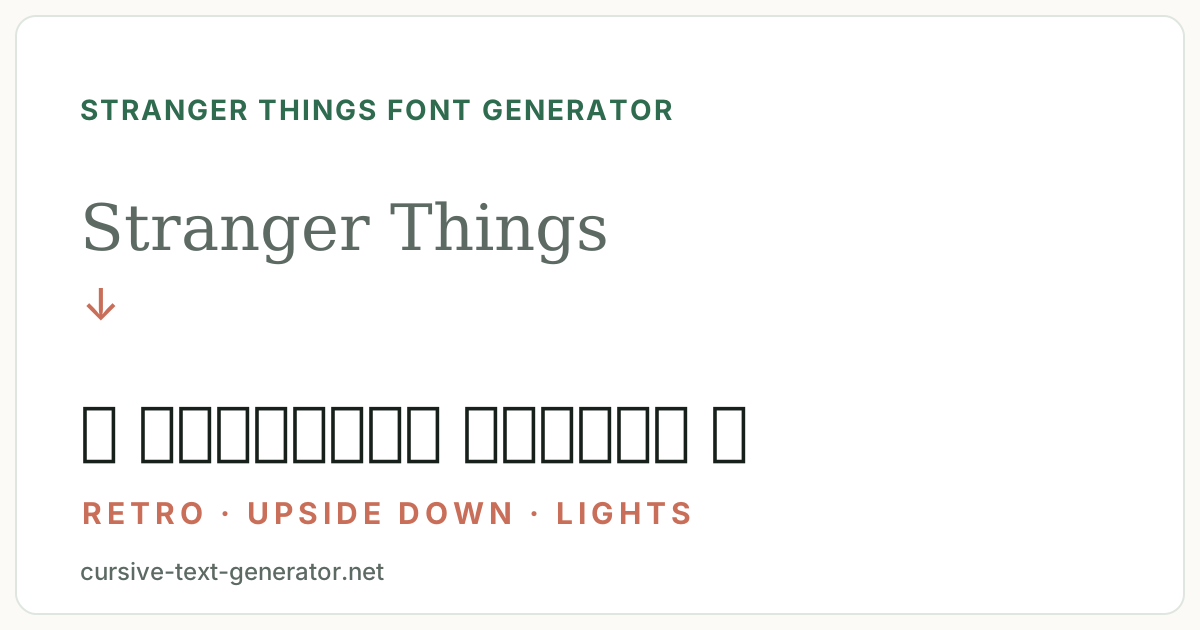
The real Stranger Things font is ITC Benguiat
The title card is set in ITC Benguiat, a serif face drawn by Ed Benguiat and released through the International Typeface Corporation in 1977 — the bold condensed cut in particular, with that distinctive flared, slightly Art Nouveau feel. The choice was deliberate rather than nostalgic guesswork: Benguiat was the house look of late-70s and early-80s paperback covers, Stephen King's included, and the show's designers were briefed with exactly those covers.
Two consequences follow. First, ITC Benguiat is a commercial typeface you licence from a foundry, so any site offering “the free Stranger Things font” is handing you a lookalike or an unlicensed copy. Second, and more practically, a font file is useless in the places most people actually want this look — an Instagram bio, a TikTok caption, a Discord nickname. None of those let you change the typeface. That is the gap this page fills: it gives you the era's feel in characters that paste anywhere.
How to Use the Stranger Things Font Generator
- Type or paste your word, name, or quote into the box at the top.
- Every style updates as you type. Use the category filters — Retro, Upside Down, Light Wall, Neon, Emoji — to narrow the list.
- Click the retro style you want, or press its Copy button, and it is on your clipboard.
- Paste with Ctrl+V or Cmd+V, or long-press and choose Paste on a phone — flipped text pastes flipped.
Nothing leaves the page: the flipping and restyling run in your browser, and no text is uploaded or kept.
Which Stranger Things Style Should You Pick?
The five categories were built for different jobs — a VHS title, a flipped line, a light-wall message, a neon signature — and the differences matter once the text is pasted somewhere real.
| Category | What it does | Best for |
|---|---|---|
| Retro | Wide, heavy and monospaced letters with VHS and marquee marks | Titles, fan-page headers, anything screenshotted |
| Upside Down | Flips every letter and reverses the line | Bios and captions that should stop a scroll |
| Light Wall | Wraps each letter in a circle or square, plus coloured bulbs | Short words, one-line messages, alphabet-wall jokes |
| Neon | Script, gothic and italic letterforms with glow marks | Names and signatures where the letterforms matter |
| Emoji | Bikes, flashlights, waffles, vines | Messages and comments; highest device support |
Retro, Upside Down and Neon replace the letters with other Unicode characters; Light Wall wraps each letter and Emoji leaves them alone, which is why those two stay legible at small sizes and in long lines. If you are unsure, start in Retro — it reads as eighties without costing you any readability.
How Upside Down Text Actually Works
The Upside Down styles are the one genuinely clever trick on this page, and it is worth knowing what they do. Unicode contains characters that happen to look like rotated Latin letters: ɐ for a, ǝ for e, ᴉ for i, ∩ for U, ᗡ for D. Substituting them one for one gets you flipped-looking glyphs, but in the wrong order — so the generator also reverses the string. Read the result while standing on your head and it says exactly what you typed.
Because these are borrowed characters rather than a rotation effect, a handful are approximations, and a few of the rarer capitals are missing from some older Android font packs, where they show as empty boxes. If a specific word breaks, try it in lower case: the lower-case flip set has much better coverage than the capitals.
Building an Alphabet Wall
The Light Wall category is the closest this page gets to a set piece. Joyce's wall works because each letter is isolated and separately lit, and the Unicode enclosed alphabets do the same job: Ⓐ Ⓑ Ⓒ in circles, 🄰 🄱 🄲 in squares. Add bulbs on either side and a short word reads unmistakably as the wall.
Keep it short. Enclosed letters are wide, and they carry no spacing information, so anything past a single word turns into a dense block that is hard to read and harder to skim. One name, one word, or a three-letter reply is the sweet spot. The square set is also the least widely supported style on this page — if you are posting somewhere you cannot preview, the circled set is the safer of the two.
Where to Use Stranger Things Text
- Instagram — bio, Name field, captions and comments. Instagram search reads the Name field, so a bold retro name can still surface in results; an Upside Down name will not, because the flipped letters are different characters.
- TikTok — the display name sits under every video you post, so it is the most-seen place for a retro title or a flipped word.
- Discord — nicknames, status and messages. Discord ships its own fonts, so Upside Down text and the neon frames render the same on every member’s screen.
- Fan edits and thumbnails — an Upside Down caption reads as the show before anyone processes the words.
- Watch parties and D&D groups — chat titles, invites, and channel names.
Wherever you paste it, remember that search matches plain letters, not styled or flipped ones. Keep the @handle in normal characters and put the Upside Down effect on the display name.
Trademarks and Fan Use
The characters this tool produces are standard Unicode, free for anyone to use in any context. The restriction is on the names, not the letters. “Stranger Things” is a Netflix trademark, as are the character names and the logo lockup. Using them in a fan post, an edit, a group chat, or a personal profile is ordinary fan activity and nobody minds.
Commercial use is where permission is needed: merchandise, a product name, a ticketed watch party, an advertisement. For anything that sells, style a generic phrase — the generator flips and restyles any words the same way.
Accessibility and Readability
Screen readers handle this text poorly. Because the restyled letters are technically mathematical or phonetic symbols, many readers announce them character by character or skip them altogether, and Upside Down text is read literally — a reversed string of unrelated symbols. Keep essential information in plain text and treat the styling as decoration layered on top.
Short lines also simply read better. A flipped name works; a flipped paragraph is a wall nobody will decode. The same goes for the light-wall styles: they are a headline effect, not body text.
Stranger Things Font Generator FAQ
What is a Stranger Things font generator?
A Stranger Things font generator turns the text you type into styles that echo the show: retro 1980s letterforms, Upside Down text that reads flipped, and light-wall letters built from Unicode circles and squares. The result is copyable text, not an image or a font file, so it keeps its look when you paste it into a bio, caption, username, or message.
What font does Stranger Things actually use?
The logo is set in ITC Benguiat, a serif typeface Ed Benguiat designed in 1977 — the bold condensed cut, specifically. It was chosen because it was everywhere on late-70s and early-80s paperbacks, including Stephen King covers, which is exactly the era the show is set in. ITC Benguiat is a commercial font you licence, not a free download, and it is not what this page produces.
How do I make Upside Down text?
Pick any style in the Upside Down category. It maps each letter to a Unicode character that looks like the letter rotated 180 degrees, then reverses the order so the whole line reads correctly when flipped. Copy it and paste it anywhere — it is ordinary text, so it survives the paste intact.
How do I copy and paste Stranger Things text?
Type a name or quote into the box at the top; every retro style, including the Upside Down one, updates as you type. Click the result you want (or its Copy button), then paste with Ctrl+V, Cmd+V, or long-press Paste on mobile.
Does Stranger Things text work on Instagram and TikTok?
Yes for bios, captions, comments, and display names on both. The bold, wide and script styles are the most reliable. Upside Down text works too, though a few older Android font packs are missing one or two of the flipped glyphs and will show a box in their place.
Can I download the Stranger Things font?
Not from here, and not for free anywhere legitimate. This tool outputs Unicode characters, not a .ttf or .otf file, so there is nothing to install. The real logo face, ITC Benguiat, has to be licensed from a type foundry; sites offering it as a free download are distributing either a lookalike or an unlicensed copy.
Can I use Stranger Things text commercially?
The characters themselves are standard Unicode and free to use anywhere. The restriction is on the names, not the letters: Stranger Things, Hawkins, and the character names are Netflix trademarks, and using them to sell something needs permission. Fan posts, edits, group chats, and personal profiles are ordinary fan use.
Is the Stranger Things font generator free?
Yes. It is free to use with no account, no sign-up, no watermark and no limit — flip and restyle as much as you like.