College Block Fonts: Copyable Versus Preview
This page has to be more careful than the others in the cluster, because the honest answer is that Unicode cannot properly reproduce college block lettering. True collegiate type is defined by things characters do not carry: heavy squared strokes at a specific weight, a second-colour outline, an offset shadow, and an arched baseline across a team or school name. None of that exists as text.
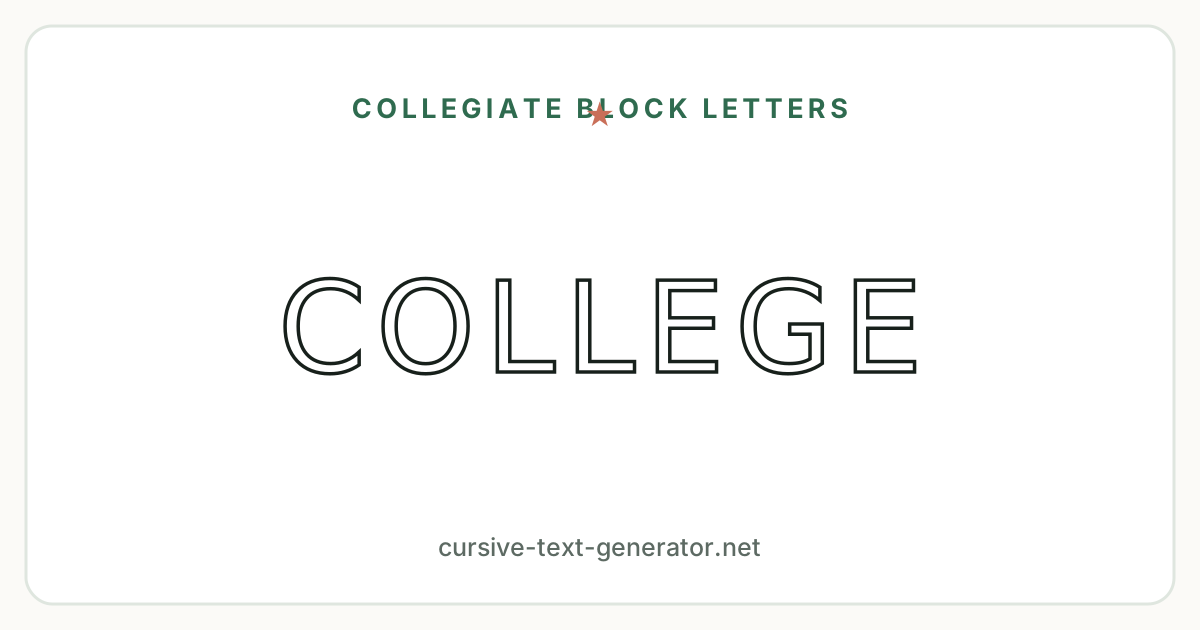
So this generator does two separate things, and labels them separately. The cards marked Copyable are real Unicode — filled block, outlined block, double-struck, heavy sans, wide and small caps. They paste into an Instagram bio, a Discord name, a document or a message and keep their shape. They are the closest text-only approximation available, and they are genuinely blocky, but they are not a collegiate typeface.
The cards marked Preview only are drawn by your browser with CSS, using heavy display faces already installed on your device, plus the outline, shadow, spacing and arch effects from the controls. They look much closer to real college lettering — and they do not survive a copy. Pressing “Copy text” on one of those cards copies your plain letters and nothing else. If you need the actual look in a design, set it in a design tool with a real collegiate typeface; this page is for previewing and comparing.
How to Use the College Block Font Generator
- Type a word, a school name or a class year into the box at the top. Everything redraws as you type.
- Use the display controls: Uppercase changes the actual characters, so it carries through a copy. Letter spacing, Arch, Outline and Shadow are CSS effects on the preview cards only.
- Filter by Block, Outlined, Shadow, Condensed or Copyable. The Copyable filter shows only the styles that survive a paste.
- Click a result or its Copy button, then paste with Ctrl+V, Cmd+V, or long-press Paste on mobile.
- For a single initial, use the A–Z block alphabet chart above — every letter copies on its own.
Everything runs in your browser. Nothing you type is uploaded or stored.
College Block Letters for School and Team Designs
Collegiate block lettering exists because it had a specific job: to be read across a quadrangle, a lecture hall or a stadium. Everything about the style follows from that — capitals only, thick even strokes, wide spacing, and shapes simple enough to survive being embroidered, printed or cut from vinyl.
A few things follow for anyone laying out a design:
Set it in capitals. Block lettering has no real lowercase tradition. Lowercase block letters exist but look wrong at the sizes this style is used at, which is why the Uppercase control is on by default.
Let it breathe. Collegiate lettering is spaced wider than normal type. If a word looks cramped, increase the letter spacing before reaching for a different style — it is usually spacing, not the letterform, that is off.
Arch longer names, keep short ones straight. The arch is a layout convention for names too long to sit comfortably on one line — a full school name, a department. A single short word looks better flat. Toggle Arch on and off with your own text to see where the line falls.
Class years are a special case. A phrase like CLASS OF 2026 mixes letters and digits, and not every style handles both. Heavy sans, double-struck, monospace and wide styles include styled digits; the filled and outlined block character sets do not, so numbers fall back to plain form there. The Examples section shows exactly how each behaves.
Designing for a sports team rather than a school or department? The varsity font generator covers jersey lettering, team names and player numbers specifically.
Where to Use College Block Lettering
This style is at its best on short, formal, capitalised text:
- Class year and graduation designs — CLASS OF 2026 on invitations, announcements and caps.
- Campus club and society names — short names on posters, banners and social headers.
- Dorm and door decorations — single letters and initials, straight from the alphabet chart above.
- Merchandise mockups — roughing out how a name looks in block before a designer sets real type.
- Social bios and display names — the copyable block styles work in fields that never let you change fonts.
- Study and academic account branding — a consistent capitalised look across a profile, highlight covers and post titles.
What Unicode Cannot Reproduce Here
Set out plainly, because on this page it matters more than anywhere else in the cluster:
- True block weight. Unicode's block characters are enclosed letters — a normal letter inside a square — not thick-stroked block letterforms. The silhouette is close; the construction is not.
- Outline and shadow. Neither exists as text. Both are CSS effects here and neither can be copied.
- Arched text. Arching needs each character positioned individually. Text sits on one straight line, always.
- Adjustable letter spacing. Spacing is a layout property, not a character property. The wide style is the only text-based approximation, and it is fixed.
- Styled digits in the block sets. The filled and outlined block ranges have letters but no numbers, so a class year comes out mixed.
- Consistent rendering. Several platforms show the filled block range as coloured emoji tiles rather than monochrome text.
That is why the preview cards exist and why they are labelled. Anything you copy from this page is text; anything that looks like real collegiate lettering is a preview.
College Block Font Generator FAQ
What is a college block font?
It is the thick, squared capital lettering used on campus signage, class merchandise and academic designs. The defining features are heavy even strokes, capitals only, wide letter spacing, and often an outline or offset shadow. It is a display style, meant to be read at a distance.
Can I copy and paste college block letters?
Partly. The styles marked Copyable are real Unicode — filled block, outlined block, double-struck, heavy sans, wide and small caps — and they paste anywhere. The styles marked Preview only are drawn with CSS on this page and copy as plain text, because true block lettering does not exist as characters.
Why does the preview look better than what I copied?
Because the preview cards use real display typefaces from your device plus CSS outline, shadow and spacing effects, and none of that is part of the text. Copying a preview card gives you the plain letters. Use the Copyable filter to see only the styles that keep their look after a paste.
Do numbers work for a class year like 2026?
In some styles. Heavy sans, double-struck, monospace and wide include styled digits. The filled and outlined block character sets cover letters only, so digits pass through in their normal form and a class year looks mixed. The Examples section shows this directly.
What is the difference between college block and varsity lettering?
College block is the academic register — school and department names, class years, campus signage, usually plain capitals with outline or shadow. Varsity is the sports register, built around jersey numbers, player and team names, and arched team-name layouts. Our varsity font generator covers that side.
How do I arch college text?
Turn on the Arch control and the preview cards curve each letter along an arc. It is a CSS effect for previewing only — arched text cannot be copied, because arching requires positioning each character individually rather than setting it on one line.
Can I use this for university merchandise?
For sketching and comparing, yes. For production, set the design in a design tool with a licensed collegiate typeface. Also note that university names, logos and marks are usually trademarked, so check permissions before putting a real institution's branding on anything.
Is the college block font generator free?
Yes. No account, no sign-up, no watermark, and no limit on how much text you convert or copy.