Small caps, superscript and tiny letters for names, signs and chat
Minecraft Small Font Generator
This Minecraft small font generator turns a username, a sign line, a server MOTD or a chat message into tiny text: small caps (ᴅɪᴀᴍᴏɴᴅ), superscript (ᴰⁱᵃᵐᵒⁿᵈ), subscript and monospace letters, with sword, bracket and crown frames for a gamer look. The results are real Unicode characters, so the small font pastes into Minecraft chat, server names, Discord and profile bios — with the limits explained below for signs and usernames.
Minecraft Small Font Copy and Paste
Type your name or line, compare the previews, and press Copy beside the one you want. The ᴛɪɴʏ letters are Unicode characters — small capitals from the phonetic blocks, superscript and subscript modifier letters — rather than a font, which is why they survive a paste into Minecraft chat, a server list entry or a Discord nickname. Whether Minecraft renders them depends on the platform and version, which is the one thing this generator cannot control; the section on signs and usernames below covers what works where.
Popular Minecraft Small Font Styles
Small caps (ᴅɪᴀᴍᴏɴᴅ ᴍɪɴᴇʀ) is the style most people mean by a small font in Minecraft: full-height capitals shrunk to lowercase size, still legible in chat. Superscript (ᴰⁱᵃᵐᵒⁿᵈ) sits high and reads as a whisper, popular for a rank tag or a suffix after a name. Subscript (Dᵢₐₘₒₙd) does the same low. Monospace (𝙳𝚒𝚊𝚖𝚘𝚗𝚍) matches the blocky, even-width feel of the game's own text. A ⚔ sword, a ♛ crown, [[ brackets ]] or a ▓▒░ gradient frame gives the server-rank look without an actual plugin.
Diamond MinerServer nicknameVIPRank tag in superscriptWelcome to SkyBlockMOTD or sign line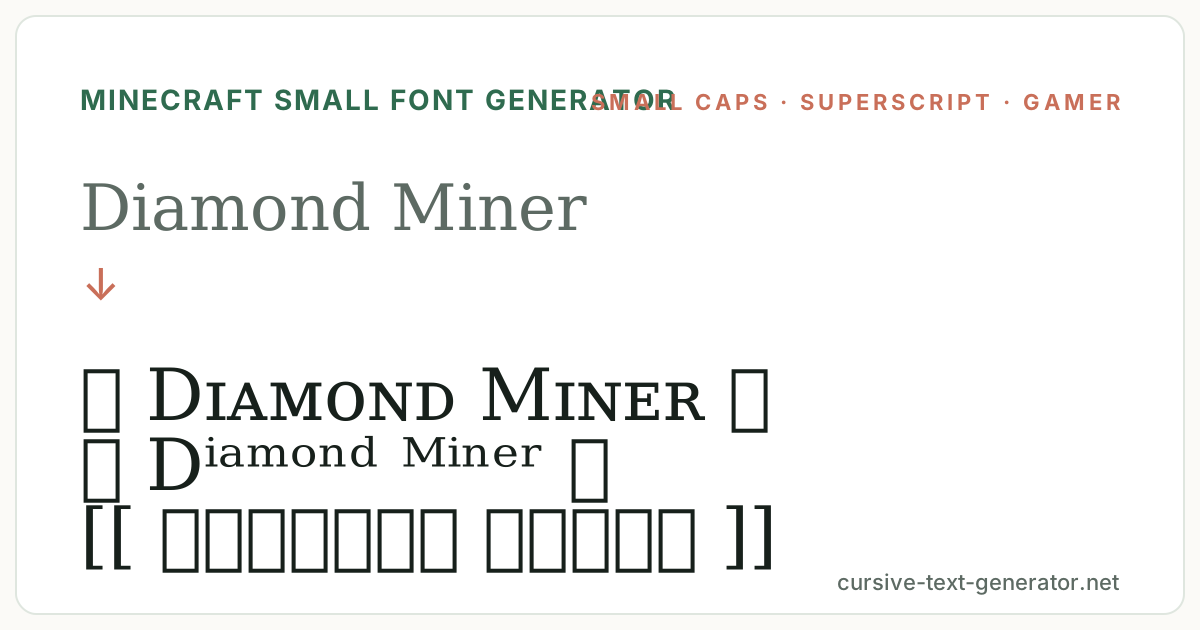
How to Use the Generator
- 1. Type your textEnter a username, a sign line, a MOTD or a chat message. Short text works best — small caps lose legibility past a few words.
- 2. Choose a small styleUse the chips to switch between small caps, superscript, gamer frames, minimal and starred presets and compare them with your exact text.
- 3. Copy and paste into MinecraftPress Copy, then paste into chat, a server name, a Discord nickname or a bio. For signs and books, see the platform notes below before you rely on it.
Minecraft Small Font in Chat, Signs and Servers
In Java Edition chat and server MOTDs, small caps and superscript generally render because the game falls back to a Unicode font for characters its default font lacks; enabling Force Unicode Font in the language settings makes this consistent. Signs and books in Java accept pasted Unicode too, though the glyphs can look thin against the pixel font. Bedrock and console editions are stricter and often show a box for modifier letters. Usernames are plain ASCII on every platform, so a small font never goes into an actual account name — it goes into nicknames, server names, Discord and profile bios instead.
Good to know: Minecraft is a trademark of Mojang; this page produces standard Unicode characters and is not affiliated with or endorsed by Mojang or Microsoft.
Minecraft Small Font vs Small Text Generator
The general small text generator on this site covers the same Unicode alphabets for any use. This Minecraft small font generator narrows the list to what actually holds up inside the game and its communities: small caps first for legibility in chat, monospace for the blocky match, and gamer frames — swords, crowns, brackets — in place of the hearts and flowers that suit a bio but look out of place on a server list. It also carries the platform notes a general page does not need.
Small caps come from the IPA Extensions and Phonetic Extensions blocks of the Unicode Standard, which is why they render anywhere a full Unicode font is available.
Where Small Text Works in Minecraft: Chat, Signs, Names and Servers
Chat and MOTD are the reliable places. Java Edition renders small caps and superscript in chat once the client has a Unicode fallback font, which most modern installs do; turning on Force Unicode Font removes any doubt. Server owners can paste small-caps text into the MOTD in server.properties or a plugin config and it shows in the multiplayer list for Java players. Bedrock players on the same server may see boxes, so many servers keep the first line plain and use the small font only on the second.
Signs and books accept the characters on Java, but the game's pixel font has no small-caps glyphs of its own, so they are drawn from the fallback font at a thinner weight. Up close it reads fine; at a distance the small letters blur before ordinary text does. Test one sign before lettering a whole build. On Bedrock, signs frequently reject or box the modifier letters, so use plain uppercase there.
Names are the hard limit. A Minecraft account name allows letters, digits and underscores only, on every edition, so no small font generator can change it. Where the small style belongs is the nickname a server plugin assigns, the Discord display name for your server, the YouTube or Twitch handle you show in a bio, and the profile text on community sites. In those fields small caps are widely supported and read as a deliberate gamer style rather than a broken character.
Minecraft Small Text Examples
Paste these into the generator to compare how a username, a rank tag and a server line carry in small caps, superscript and framed styles.
Diamond MinerServer nicknameVIPRank tag in superscriptWelcome to SkyBlockMOTD or sign lineRelated Small Fonts and Gaming Text
Minecraft Small Font FAQ
Can I use a small font in my Minecraft username?
No. Account names allow only letters, digits and underscores on every edition. Use the small font in a server nickname, a MOTD, Discord or a bio instead.
Does small text work in Minecraft chat?
On Java Edition, yes, as long as the client has a Unicode fallback font — enable Force Unicode Font in Language settings to be sure. Bedrock and console editions may show boxes for some characters.
Why do the small letters show as boxes in Minecraft?
That platform or version has no glyph for the character. Try small caps rather than superscript, which is more widely supported, or turn on Force Unicode Font on Java.
Is this generator free?
Yes. It runs in your browser with no account, download or usage limit, and every result copies as plain text.
Can I put small caps on a Minecraft sign?
On Java, yes; the letters are drawn from the fallback font and look thinner than the pixel text. On Bedrock, signs often reject modifier letters, so test one sign first.
How do I add small text to a server MOTD?
Paste the copied text into the motd line in server.properties or your MOTD plugin config. Java players will see it in the server list; keep a plain fallback line for Bedrock players.
Is this affiliated with Minecraft or Mojang?
No. Minecraft is a trademark of Mojang. This page assembles standard Unicode characters and has no connection to the game's developer.