Blank, empty and zero-width characters — copy in one click
Invisible Text Generator
Copy invisible characters that look like nothing but count as text. Use them for a blank Fortnite or Discord name, an empty WhatsApp message, invisible line breaks in an Instagram bio, or a unique username that looks identical to another. Pick a character, choose how many, press Copy.
Every Invisible Character, With Copy Buttons
Different platforms strip different characters. If one is refused, copy the next one down. Width tells you whether the character takes up visible space (a “blank”) or none at all (“zero width”).
| Code point | Character | Width | Best for |
|---|
How to Use the Invisible Text Generator
- 1. Pick a characterHangul Filler is the safe default for usernames. Choose Zero Width Space when the text must take up no room, or Braille Blank as a fallback.
- 2. Set the amountOne character is enough for a blank name. Use 5–10 for a blank line in a bio, or more to push content down in a caption.
- 3. Copy and pastePress Copy, then paste into the username field, message box or bio. If the platform refuses it, come back and try another character.
What People Use Invisible Text For
Paste one Hangul Filler (U+3164) as your Epic display name to appear with no name in the lobby and kill feed. Also works in PUBG Mobile, Free Fire, Among Us and Call of Duty Mobile display names.
Instagram removes empty lines from bios and captions. Put a Braille Blank or Hangul Filler on the “empty” line and it stays, giving you real line spacing between sections.
A message of only spaces will not send. A single Zero Width Space or Braille Blank sends as an empty bubble — a classic prank or a quiet “I’m here” ping.
Discord accepts Hangul Filler and Braille Blank in usernames and nicknames, giving a blank name in member lists. Server rules may forbid it, so check first.
A Zero Width Non-Joiner between two letters makes “Alex” a different string from Alex while looking identical. Use it for your own alt accounts, never to impersonate someone.
Em Space, Ideographic Space and Hair Space give you spacing widths a normal space cannot, for indenting bios, aligning lists or spacing out a display name.
Hangul Filler vs Braille Blank vs Zero Width Space
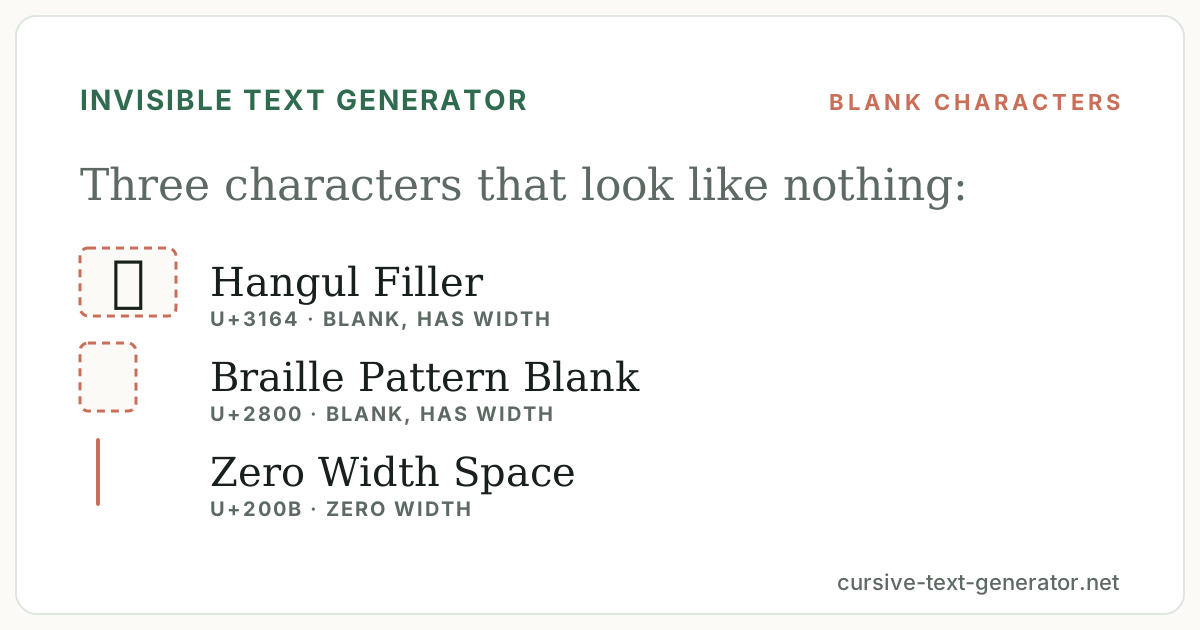
The three most-used invisible characters behave differently. Hangul Filler (U+3164, ㅤ) is a real letter-class character that draws as a wide blank. Because it is not whitespace, “name cannot be blank” checks accept it, and it works in most games and social apps — it is the default here for that reason. Braille Pattern Blank (U+2800, ⠀) is a Braille cell with no dots. It also renders as a visible blank and is the go-to fallback when Hangul Filler is filtered, especially on Discord and Twitch. Zero Width Space (U+200B) takes up no room at all: perfect for an empty message or for splitting a word invisibly, but useless when you want a visible gap. Zero Width Non-Joiner and Word Joiner are zero-width too and survive filtering on some platforms where ZWSP does not.
Good to know: platforms change their filters. A character that works today may be stripped after an update — keep this page bookmarked and try the next one in the table.
Invisible Character Detector
Paste any text — a username, a message you received, a bio — to see every invisible, zero-width or unusual spacing character it contains, with its code point and count.
How Invisible Characters Work
Unicode includes characters that carry meaning for software but have no visible shape. Some are spacing characters of different widths, some are fillers from writing systems such as Korean Hangul and Braille, and some are format controls like the Zero Width Joiner that tell text engines how to join or break glyphs. Because each one is a genuine character with its own code point, a text field that rejects an empty value will happily accept a field that contains only one of them — the field is not empty, it just looks that way.
That is also why invisible text is detectable. A platform, a moderator or the analyzer above can see the characters even though a person cannot. Use invisible characters for spacing, blank names and harmless pranks; do not use them to copy someone else’s identity or to slip past moderation — those are rule violations on every major platform regardless of how the text looks.
Explore Related Tools
Invisible Text FAQ
What is invisible text?
Invisible text is made of Unicode characters that render as blank space or as nothing at all — for example the Hangul Filler (U+3164), the Braille Pattern Blank (U+2800) and the Zero Width Space (U+200B). They are real characters, so a field that rejects an empty value accepts them.
How do I make an invisible name in Fortnite?
Copy one Hangul Filler (U+3164) from this page, open your Epic Games account settings, paste it as your display name and save. If it is refused, try the Braille Blank (U+2800) or two fillers. Epic limits display-name changes, so test carefully.
How do I send a blank message on WhatsApp?
Copy a Zero Width Space (U+200B) or a Braille Blank (U+2800) and paste it into the message box. WhatsApp blocks messages that contain only normal spaces, but these characters are not spaces, so the message sends as an empty bubble.
Which invisible character should I use?
Hangul Filler (U+3164) is the default for usernames because it renders as a visible-width blank almost everywhere. Zero Width Space (U+200B) is best when you need something that takes up no space at all. Braille Blank (U+2800) is the fallback when a platform strips the other two.
Why does my invisible character show as a box?
The font on that device has no glyph for the character, so it draws a fallback box. Modern phones and browsers render all the characters here as blank; a few games and older systems do not. Try a different character from the table.
Can invisible text be detected?
Yes. The characters are real and visible to software, even though people cannot see them. The analyzer on this page shows every invisible character in pasted text, and platforms can filter them if they choose to.
Is it safe to use invisible characters?
For usernames, spacing and blank messages, yes. Do not use them to impersonate another account or to evade moderation — most platforms treat that as a rules violation regardless of the characters involved.
Is this invisible text generator free?
Yes. It is free, runs in your browser, and does not require sign-up or a download.