Display names, bios and captions in fonts TikTok cannot strip
TikTok Font Generator
This TikTok font generator turns a name, bio line or caption into styled Unicode text: sans bold that looks like native formatting, cursive script, small caps, fullwidth spacing and sparkle, music-note or bracket frames. TikTok has no font picker for profiles, so people paste these characters instead — and because they are real text, the style stays in your display name, bio and captions.
TikTok Fonts Copy and Paste
Type once, compare the live previews, and press Copy beside the version you want. Then open TikTok, go to Edit profile, and paste it into the Name or Bio field — or into a caption or comment. The letters are Unicode characters, not a font file, so TikTok keeps them exactly as pasted. That is the whole trick behind every TikTok font generator: there is no font setting to change, only characters that already look styled.
Popular TikTok Font Styles
Sans-serif bold (𝗠𝗶𝗮) is the most used TikTok font because it matches the app's own interface font and looks like real bold in a display name. Cursive script (𝓜𝓲𝓪) is the go-to for soft, aesthetic and girly profiles. Small caps (Mɪᴀ) keep a name readable while looking designed. Fullwidth (Mia) reads as vaporwave or retro. Around those, a sparkle ✨, a music note 🎵 or a »• •« bracket turns a plain name into a profile header without pushing the character limit.
Mia VibesDisplay namenew drop every fridayBio heading lineWAIT FOR ITCaption hook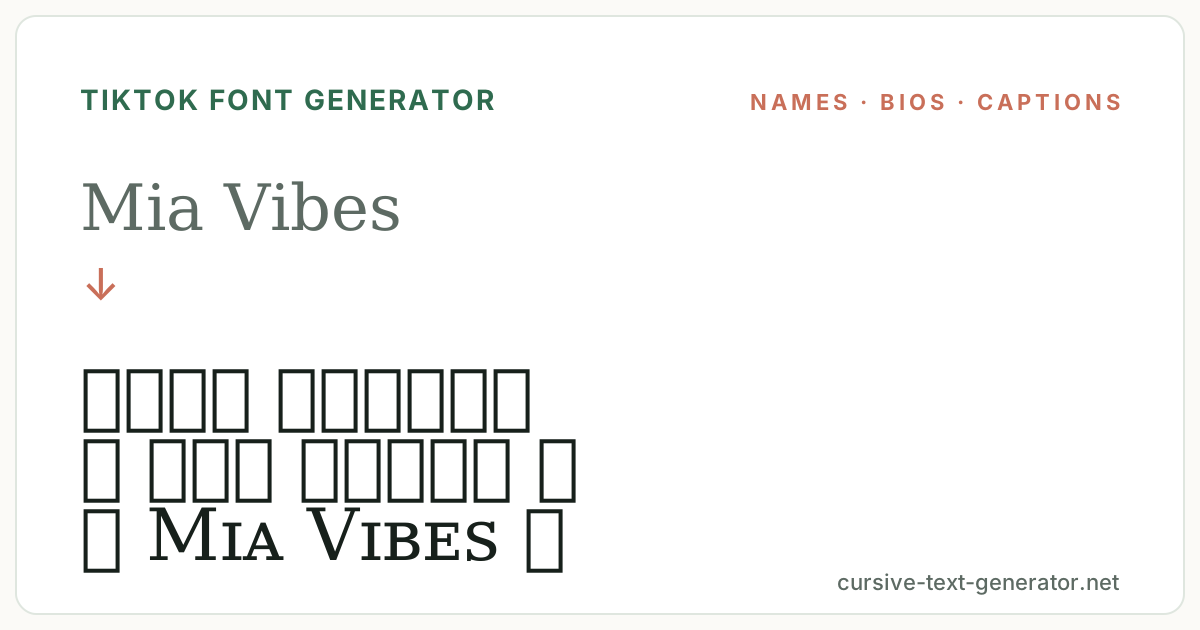
How to Use the TikTok Font Generator
- 1. Type your name or bioEnter your display name, a bio line or a caption. Keep it short — TikTok names are capped at 30 characters and styled letters count one each.
- 2. Pick a styleUse the chips to switch between bold, cursive, small caps, aesthetic and framed presets and compare them with your exact text.
- 3. Copy, then paste in TikTokPress Copy, open TikTok → Profile → Edit profile, and paste into the Name or Bio field. Captions and comments accept the same text.
TikTok Fonts for Display Names, Bios and Captions
The display name is where TikTok fonts matter most: it sits above every video and in every comment you leave. Bios accept the same characters and give you room for a styled heading plus plain-text details. Captions work too, though a fully styled caption is harder to read and is not searchable, so use the font for a title line and keep hashtags plain. The @username itself only allows letters, numbers, underscores and periods — no TikTok font generator can change that, which is why the styled version belongs in the display name instead.
Good to know: TikTok occasionally rejects a name that is only symbols or that uses certain decorative ranges; if a save fails, switch to a plainer preset such as sans bold or small caps.
TikTok Font Generator vs Instagram Fonts
The characters are the same across apps, but the fields differ. Instagram gives you a name and a bio with similar limits, so most TikTok fonts paste straight into an Instagram profile. Discord allows far more decorative text in nicknames and channel names but renders on a dark background, where thin scripts fade and bold or small caps hold up better. TikTok sits between them: a 30-character name field, a light interface on most phones, and a stricter filter on all-symbol names. This page tunes the preset list for that — bold and small caps first, heavier frames last.
TikTok's own guidance on editing your profile name and bio covers the field limits; the characters this page produces are standard Unicode and need no extra app.
Which TikTok Font Fits a Name, Bio or Caption
For a display name, prioritise legibility at the smallest size TikTok shows it: the comment thread. Sans bold and small caps stay clear there; cursive script works for short first names but blurs when a name has more than two words. A single sparkle or music note on either side is enough decoration — a wide frame eats characters you may need for the name itself.
For a bio, treat the first line as a heading and the rest as plain text. A cursive or fullwidth first line reads as a title; below it, links, pronouns and a posting schedule should stay in ordinary characters so they remain readable and copyable. Bios also render in list views where styled text is shrunk, another reason to keep the decoration to one line.
For captions, styled text is a hook rather than a body. A bold or small-caps opening phrase draws the eye in the feed; the sentence that follows, plus every hashtag, must be plain so TikTok's search and the hashtag links keep working. Styled hashtags are not indexed as the same tag, which is the most common way a TikTok font generator quietly hurts a post.
TikTok Font Examples
Paste these into the generator to compare how a display name, a bio heading and a caption hook carry in each style.
Mia VibesDisplay namenew drop every fridayBio heading lineWAIT FOR ITCaption hookExplore Related Font Styles
TikTok Fonts FAQ
How do I change my font on TikTok?
TikTok has no font setting for profiles. Paste styled Unicode text from this TikTok font generator into your display name or bio instead; the characters look like a different font but are ordinary text.
Is this TikTok font generator free?
Yes. It runs in your browser, needs no account or app download, and every result can be copied without limits.
Can I use these fonts in my TikTok username?
Not in the @username, which only allows letters, numbers, underscores and periods. Use the styled text in your display name, bio, captions and comments.
Why did TikTok reject my styled name?
Names made only of symbols, or that use certain decorative ranges, are sometimes blocked. Try a plainer preset such as sans bold or small caps, or add a plain letter or two.
Do TikTok fonts work in captions and comments?
Yes. Keep hashtags in plain text, though — a styled hashtag is not recognised as the same tag and will not link.
Will the font look the same on every phone?
Almost always. These are standard Unicode characters supported on iOS and Android; a rare decorative symbol may render slightly differently on an older device.
Are these real fonts I can install?
No. The generator produces Unicode characters that resemble fonts, which is what lets them survive copy and paste into TikTok. For video overlays, use TikTok's built-in text tool.