Cool PSN Names
Frost, vortex, apex, nova — sharp IDs that look good on a trophy card. The cool username generator has longer versions.
Cool, sweaty, funny, OG and clan-style PlayStation online ID ideas from your name
This PSN name generator builds PlayStation online IDs around your name or a word and keeps every result inside Sony's rules — 3 to 16 characters, letters, numbers, hyphens and underscores, starting with a letter. Pick a style, generate 24 PSN names at a time, filter by length, heart the ones you like and copy them into Settings → Users and Accounts → Profile → Online ID.
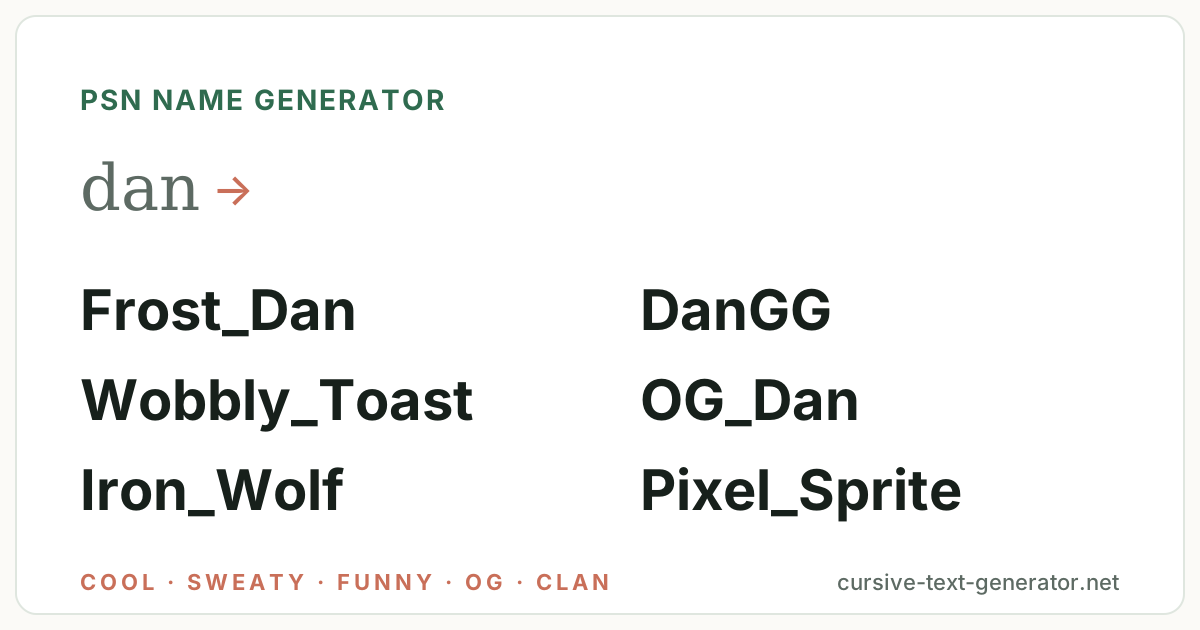
Sample ideas for “dan” · All styles — type your own word and generate.
No results match this filter yet — try Generate More or pick a different filter.
Username availability changes constantly. Copy your favorite and check it directly on the platform you want to use — this tool does not check Instagram, TikTok, Discord, Roblox or any other service.
PlayStation online IDs are plain text, but your Discord and Steam display names accept fancy letters. Copy a name here, then style it for those.
Tap the ♡ on any username to save it here. Favorites stay in this browser only — no account needed.
Every batch mixes three things: the word you type, the PSN style you choose, and the options under Customize. Symbols are off, the separator is an underscore and letters are mixed case by default, so every result looks like a real PlayStation online ID and passes the rules.
Leave the word blank and the generator pairs two PSN words instead — Frost_Vortex, Iron_Wolf, Pixel_Sprite — so it also works as a random PSN name generator for a second account.
Your name, a nickname, a favorite game word. The generator keeps it whole and builds around it: dan becomes Frost_Dan, DanGG or OG_Dan.
Cool, sweaty, funny, OG, clan tag, beast, retro or sci-fi. Each has its own vocabulary and its own symbol set; All Styles mixes them.
Keep PSN-safe on, heart the ones you like, then copy and paste into Settings → Users and Accounts → Profile → Online ID to check availability.
Hand-picked examples per style so you can see the vocabulary before you generate. Every example is 16 characters or fewer and starts with a letter, so it fits a PlayStation online ID as written. Click any PSN name to copy it.
Frost, vortex, apex, nova — sharp IDs that look good on a trophy card. The cool username generator has longer versions.
Sniper, reaper, blitz, clutch — tryhard IDs for ranked lobbies.
Toast, spud, goose, yeet — the IDs everyone in the party chat remembers.
Vex, nyx, flint, sol — three-to-five-letter IDs, the rarest tier on a network that started in 2006. The rare username generator digs deeper.
Two-letter tags in front — FZ, RZ, KZ — the esports look; PSN allows a hyphen or underscore after the tag.
Wolf, viper, kraken, raptor — the heaviest words in the list.
Pixel, arcade, sprite, warp — IDs for PS1 nostalgia and retro collections.
Nova, cipher, reactor, nexus — IDs for shooters and space games.
Your online ID shows on PS5, PS4, the PlayStation app and in cross-play lobbies. These shortcuts fit each situation.
3–16 characters, letters, numbers, hyphens and underscores; must start with a letter, cannot contain spaces. The first change is free; later changes cost a fee.
Frost_Dan · Onyx-Drift · DanGGIf you also play on Xbox, keep the ID under 12 characters with no separator so the same name fits both consoles.
FrostDan · IronWolf · DanZeroFortnite, Call of Duty and Apex show your PSN ID to PC players too, so pick something that reads well outside the PlayStation UI.
Clutch_Reaper · Dan_Nexus · SilentApexDiscord and Steam display names accept ✦ and ⚔ — this is where symbols go. Your PSN ID stays plain.
✦Dan✦ · dan.gg · frostvortexThe generator follows a handful of formulas. Knowing them helps you tweak a result — or build your own PlayStation online ID by hand.
One trick per ID. Frost_Dan is a PSN name; xXx_Fr0st_D4n_xXx is a 2009 Modern Warfare lobby. Remember the ID must start with a letter, cannot have spaces, and changing it a second time costs money — pick one you can keep.
PlayStation rejects these, but Discord, Steam and Twitch display names show them. Click a symbol to copy it.
PSN online IDs allow only letters, numbers, hyphens and underscores; Discord, Steam and Twitch display names show all of these. Keep a plain ID for PlayStation and use the decorated one where it displays. For full decorative alphabets, try the cool text generator or the glitch text generator.
There is no AI behind this page and no connection to PlayStation Network. PSN names are assembled in your browser from five ingredients:
A PlayStation online ID is 3 to 16 characters: letters, numbers, hyphens and underscores, starting with a letter, no spaces and no symbols. Sony lets you change it from Settings → Users and Accounts → Profile → Online ID on PS5 (or Account → Profile on PS4 and the PlayStation app). The first change is free; every change after that carries a fee, and Sony warns that some older PS4 games may not support the new ID properly — which is why it is worth generating several options here and picking one you can keep for years rather than treating it like a Discord display name.
The other consideration is cross-play. Fortnite, Call of Duty, Apex Legends and Rocket League show your PSN ID to Xbox and PC players, so a good PSN name generator produces IDs that read well outside the PlayStation UI — short, pronounceable, one underscore at most. If you also play on Xbox, the gamertag generator keeps names under Xbox's 12-character cap so one name fits both consoles; the gaming username generator covers Steam, Nintendo and Discord with their own rules; the Fortnite username generator handles Epic display names for cross-play; and the main username generator mixes gaming with every other style.
The character rules and the change-fee policy are documented in PlayStation's support page on changing your online ID.
It is a tool that combines a word you choose with curated gaming vocabulary — vortex, sniper, wolf, pixel, nova — and PSN naming patterns to produce PlayStation online IDs that follow Sony's 3–16 character, letter-first rule. This one runs in your browser, is free, and lets you copy any result with one click.
Examples from the styles above: Frost_Vortex, Clutch_Reaper, Wobbly_Toast, Nyxo, FZ_Dan, Iron_Wolf, Pixel_Sprite and Quantum_Nova. Type your own name to get versions built around it, such as Frost_Dan or DanGG.
Letters, numbers, hyphens and underscores, 3 to 16 characters, and it must start with a letter. No spaces, periods or symbols. This generator keeps symbols off and uses an underscore separator by default so every result is PSN-safe.
On PS5 go to Settings → Users and Accounts → Profile → Online ID; on PS4 or the PlayStation app go to Account → Profile. The first change is free; later changes cost a fee, and a few older PS4 games may not support changed IDs, so choose carefully.
No. Nothing here talks to PlayStation Network, so it cannot know whether an online ID is taken. Copy the one you like and try it in your profile settings — the console tells you immediately if the ID is unavailable.
Usually, if it is 12 characters or fewer with no hyphen or underscore. Xbox gamertags allow letters, numbers and spaces up to 12 characters, so FrostDan works on both while Frost_Dan only fits PSN. The gamertag generator is tuned for that cross-console case.
No. PlayStation online IDs allow only letters, numbers, hyphens and underscores. Symbols like ⚔ and ✦ work in Discord, Steam and Twitch display names — that is what the symbol section on this page is for.
Yes. Every result has a Copy button, Copy All Usernames copies the visible list one per line, and the heart saves a PSN name to My Favorites in your browser. To style one for Discord or Steam, paste it into the cool text generator.